Windows guide
Trim the End of a Video Without Cutting Off Speech
Find a natural ending in a talk or meeting recording and check that the exported clip ends after the last full word.
Download Free Video Cutter JoinerWindows 10/11 (64-bit) · 2.07 MiB online installer. Downloads about 95.64 MiB of required program components. A required .NET runtime may download separately.
Find the last complete line
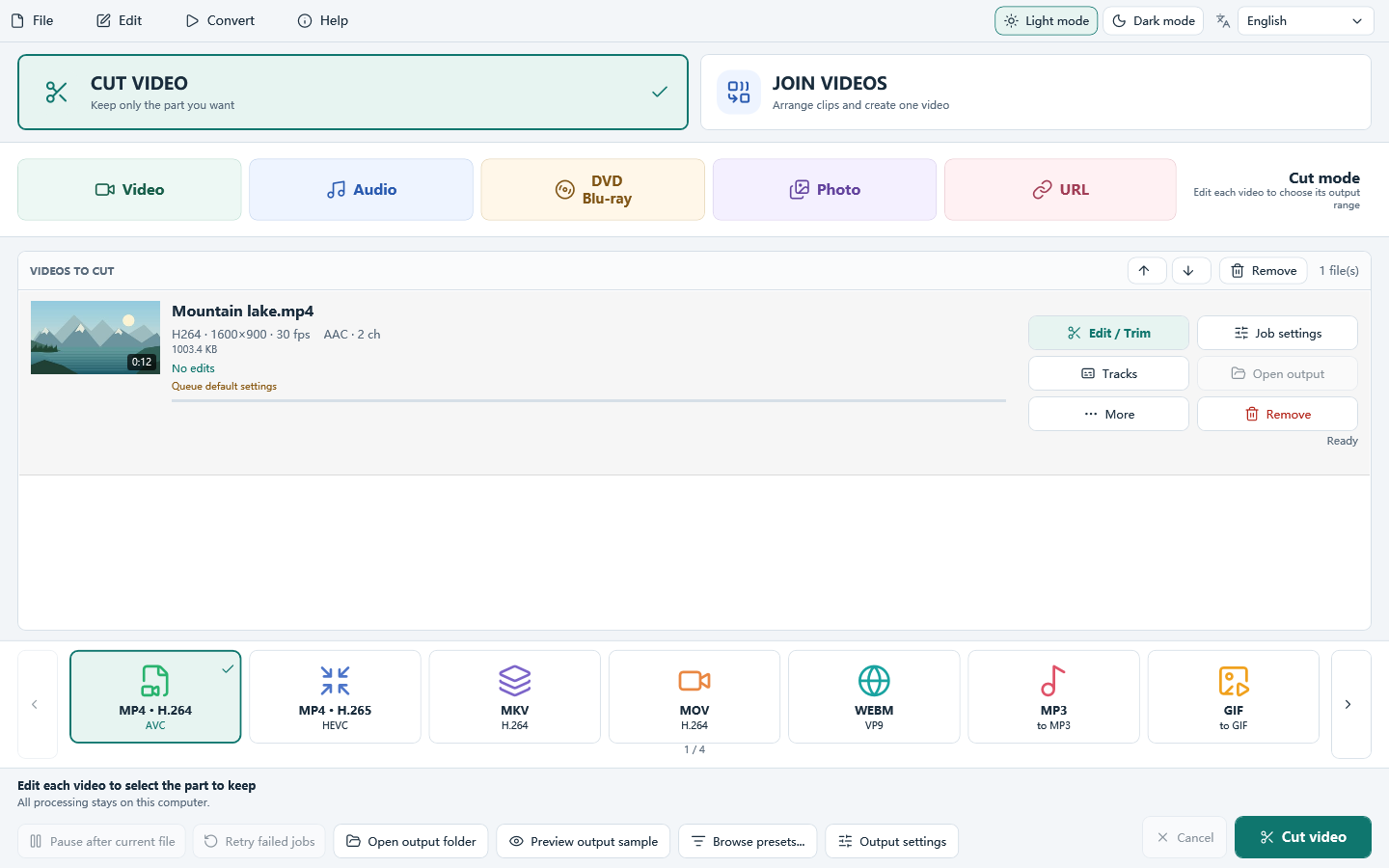
Open the recording in Cut Video. Listen from several seconds before the intended ending. Note where the last word actually finishes, then look for a brief pause before the chair moves or the next conversation starts.
Set an end inside the pause
Keep your intended start and adjust the end marker by previewing near that pause. If a fast export includes an unwanted next frame or clips the word, use frame-accurate re-encoding for the new output. Save it beside the original under a new name.
Replay the actual ending
Open the saved clip and seek to its last five seconds. Check both the last syllable and what appears on screen before the player stops. For several short talks, note the end time for each recording instead of copying the same marker across files.
