Windows guide
Join Videos Shows a Lossless Compatibility Error
Recognize a stream mismatch, try a compatible pair and choose when to let the app re-encode.
Download Free Video Cutter JoinerWindows 10/11 (64-bit) · 2.07 MiB online installer. Downloads about 95.64 MiB of required program components. A required .NET runtime may download separately.
Check more than the .mp4 ending
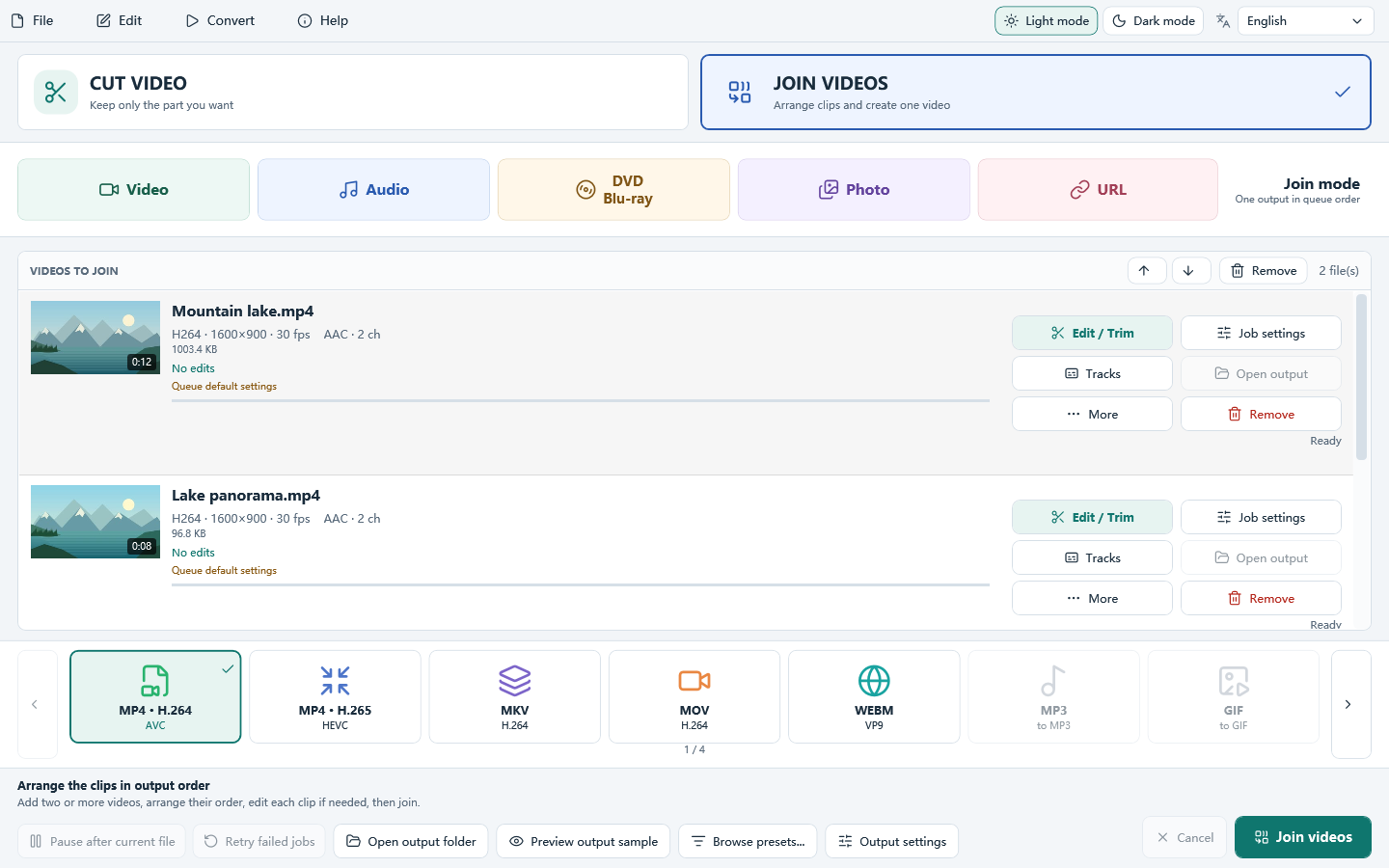
A screen capture and a phone MP4 can use different picture sizes, video codecs or audio layouts. Compare the original files. If two earlier clips from the same recording setup join but a new recording fails, add it to a two-file test to narrow down the mismatch.
Try Auto when your delivery allows encoding
In Join Videos, arrange the clips and choose your destination. With Lossless only, incompatible streams produce an error instead of silently re-encoding. Choose Auto if the job can re-encode when needed. For a predictable common output, choose the re-encoding mode and set the format and output parameters you want.
Check that the clips still meet smoothly
Play from two seconds before a transition. Confirm that sound continues and the second clip is framed correctly. Compare that section with both originals if the output sounds uneven or shows unexpected borders.
