Windows guide
Audio Out of Sync After Joining Videos?
Find out whether the delay starts in an original clip or appears at a join, then test one controlled export.
Download Free Video Cutter JoinerWindows 10/11 (64-bit) · 2.07 MiB online installer. Downloads about 95.64 MiB of required program components. A required .NET runtime may download separately.
Use a visible sound as a reference
Pick a clap, a door closing or a close-up of speech in each original. Play each source in the same application you use for the joined file. If one source is already out of sync on its own, correct or replace that clip first.
Test only the two clips at the first bad transition
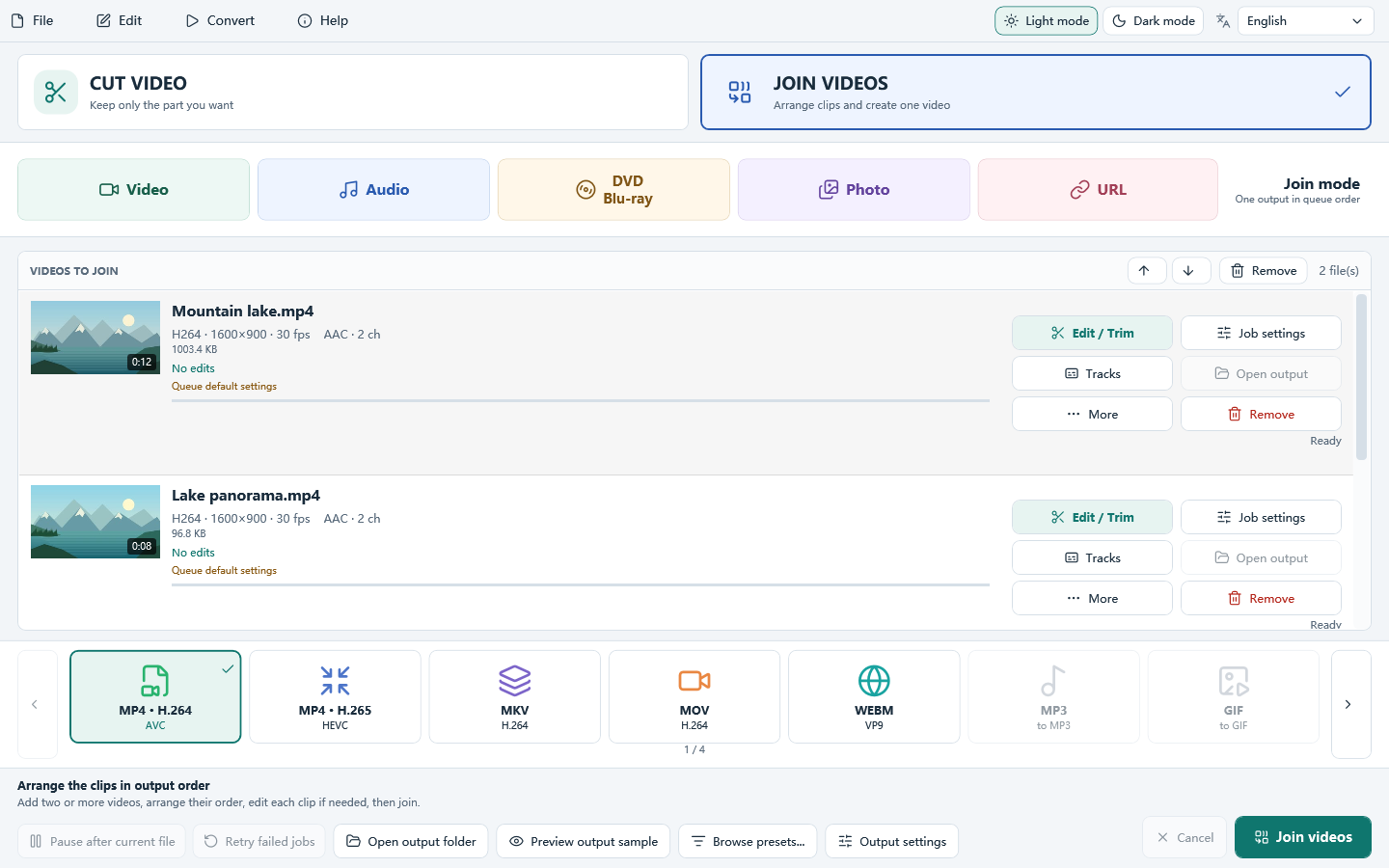
Load those files into Join Videos in the original order. Save a new test under a different name. If a stream-copy join produced the problem, make an encoded test with common output settings and compare it with the first join using the same player.
Check near the join and near the end
If timing is fine at the join but drifts later, compare durations and frame-rate information in the originals. If the offset occurs immediately at one join, isolate that pair. Check the clip points where you can see and hear the same event before replacing the full output.
