Windows guide
Start a Demo Clip on the First Useful Frame
Remove the setup time at the start of a screen recording and check the opening frame and first spoken word.
Download Free Video Cutter JoinerWindows 10/11 (64-bit) · 2.07 MiB online installer. Downloads about 95.64 MiB of required program components. A required .NET runtime may download separately.
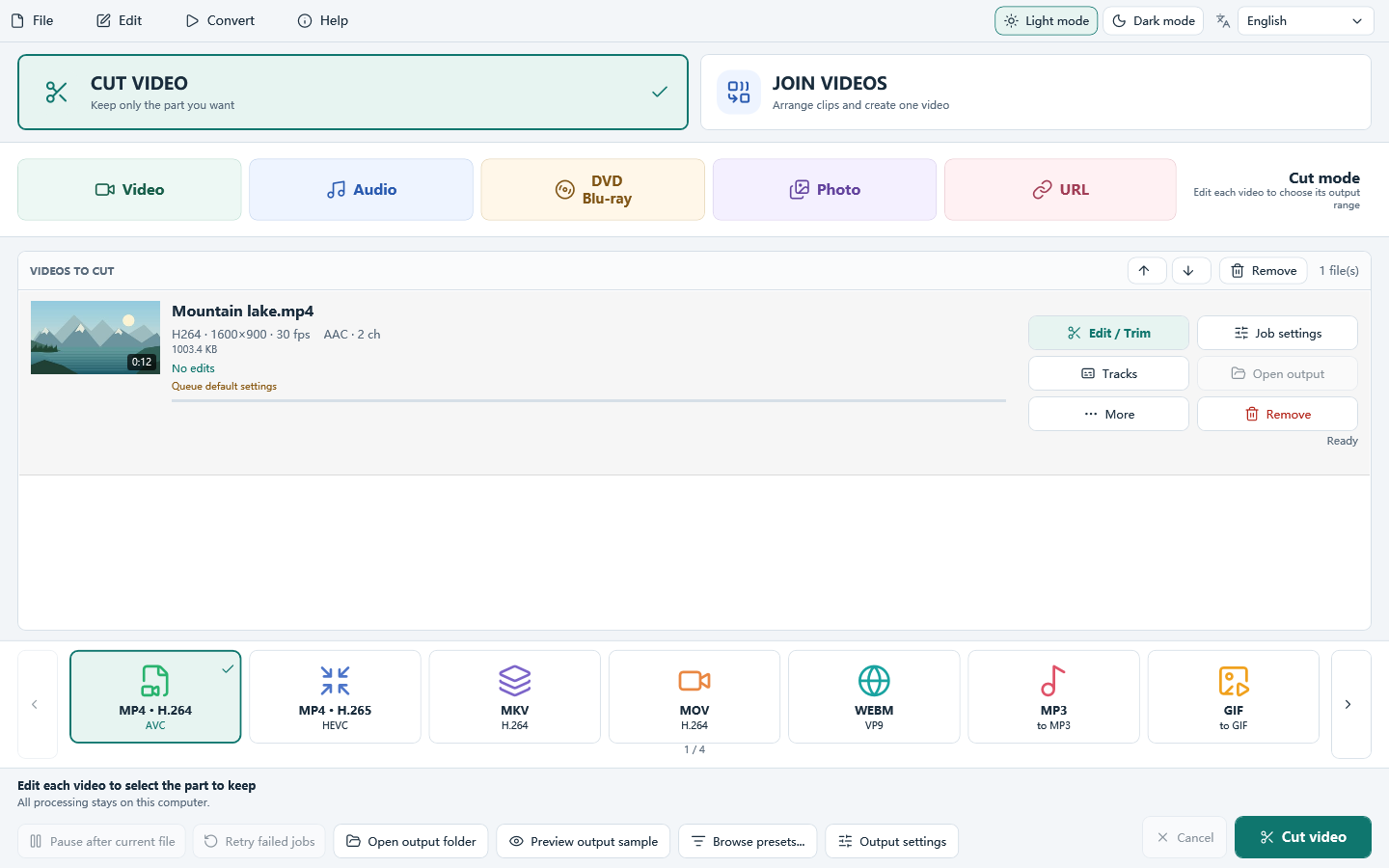
Find the frame the viewer should see first
Open the recording in Cut Video. Move near the moment when the final screen first appears. Use the preview and frame controls to find a stable frame. If narration starts a fraction of a second later, leave a small visual lead-in.
Set the start and keep ample time at the end
Mark the chosen start on the timeline and set an end beyond the last instruction. Use the frame-accurate re-encode option if a fast cut would start at an earlier keyframe. Export to a separate MP4 with a clear name.
Compare the saved opening to your marker
Play from 00:00 in a separate player. If the clip begins with the old screen or a fade you wanted to remove, return to the original marker and step forward. If the first word is clipped, move the start earlier and test the new copy.
